Instagram · 8 min read
Instagram auto reply: choose the right reply for each moment
Understand Instagram saved replies, public comment responses and automated DMs, then choose the safest workflow for support, lead magnets and campaigns.

Instagram auto reply can mean three different things: a saved response you choose manually, an automatic public comment response or a private DM sent after somebody takes an allowed action. Confusing them leads to awkward messages, poor expectations and tools that promise more than the platform permits.
DataForSEO estimates 2,400 monthly US searches for Instagram auto reply. This guide helps you choose the right reply type, write it like a person and keep the automation tied to the request that started the conversation.
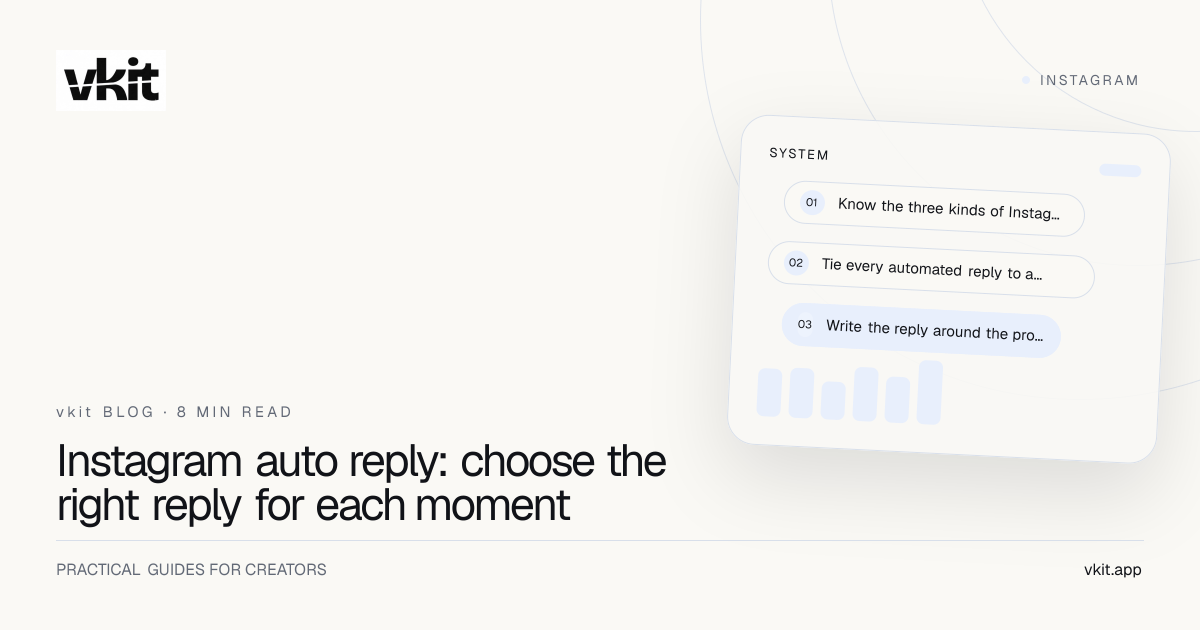
- 01Know the three kinds of Instagram reply
- 02Tie every automated reply to a clear trigger
- 03Write the reply around the promise, not the automation
Know the three kinds of Instagram reply
Saved replies are prepared snippets a person selects inside a conversation. They speed up repeated support answers while preserving a human decision before sending. Public comment responses appear under the post and help acknowledge or answer visible engagement.
Automated DMs are private messages triggered by an eligible action such as a keyword comment or inbound message. They are useful for delivering a guide, link, event detail or other resource the person requested. They should not be confused with cold outreach to people who never interacted.
Choose the lightest tool that solves the problem. A support question with personal context usually needs a human reply. A hundred identical requests for the same checklist are a strong automation case. A public correction should stay public so every reader benefits.
Saved reply
Best for repeated support answers that still need a person to check the conversation before sending.
Public response
Best for acknowledgement, visible answers and showing the thread that a promised DM was sent.
Automated DM
Best for privately delivering the specific resource or next step a person requested through an eligible trigger.
Tie every automated reply to a clear trigger
The strongest trigger is easy for the audience to understand and easy for the system to match. A caption that says comment GUIDE should connect to a rule listening for guide and sensible variations. The public promise, trigger and private delivery must agree.
Avoid triggers based on broad words that appear in ordinary conversation. A campaign keyword should be distinctive enough to signal intent. Add exclusions where supported and test the live rule with an account that does not administer the connected profile.
The comment-to-DM setup guide walks through the connection, post, keyword, message and review screens. For the governing boundaries, read the Instagram DM automation rules before launching a larger campaign.
The reply feels helpful when the person can point to the exact action that caused it.
Write the reply around the promise, not the automation
Open with the thing the person asked for. Do not make them read a welcome speech before receiving the guide, link or answer. Name the resource, give the next action and keep the first message easy to understand on a phone.
Use the creator’s natural voice, but remove lines that pretend a bot is a live person. Warmth comes from useful wording and good timing, not false intimacy. If a human will follow up later, say when and through which channel.
Prepare a fallback for failure. If a link expires, the account disconnects or a message cannot be delivered, the support team should know what the follower was promised and how to restore it. Automation is part of the customer experience even when it breaks.
Deliver first.
Put the requested resource or answer in the opening line before any secondary invitation.
One next step.
A single clear button or question is easier to trust than a menu of unrelated offers.
Honest identity.
Do not pretend an automatic message was personally typed in real time.
Match the reply pattern to the campaign
For a lead magnet, the DM should deliver the resource and only then invite the next conversation. The lead magnet delivery guide covers the promise, landing destination and follow-up sequence in detail.
For support, use automation to acknowledge receipt, collect a safe non-sensitive detail or route the question. Do not force a person through a campaign when they are reporting a problem. The fastest support automation is often a clear path to a human.
For launches and events, answer the requested question directly: date, availability, application link or reminder preference. Review every time-sensitive rule after the campaign ends so old posts do not keep delivering expired information.
Review conversations, not just send totals
A successful send count proves the system delivered messages. It does not prove the messages were useful. Read samples from matched and unmatched conversations, look for confusion and record the questions people ask after the first reply.
Low match volume usually points to the caption or keyword. High delivery with low action points to the message or destination. Repeated human corrections reveal missing context that the automation should explain or a case that should never have been automated.
vkit brings the trigger, reply and destination into the same creator workflow, with support close to the product. Start with one rule and make it dependable before adding another. The AutoDM examples and templates provide campaign-specific starting copy without turning every creator into the same voice.
Frequently asked questions
Can Instagram automatically reply to comments?
Eligible professional-account tools can respond to supported comment and messaging events through official platform permissions. The exact trigger and reply type depend on the connected workflow.
Can an Instagram auto reply send a private DM?
Yes, when an eligible action such as a keyword comment or inbound message starts the flow. Automated cold DMs to people who did not interact are a different and unsafe practice.
What should an Instagram automatic reply say?
State what was requested, deliver it immediately and give one clear next step. Keep the language natural, disclose the automated nature when relevant and provide a human support path.
Does vkit cap AutoDM contacts?
vkit is positioned around creator-friendly workflows without contact-list pricing on the paid creator plan. Platform permissions and Instagram’s operational limits still apply to every message.
Reply to the request while the moment is warm.
Start vkit free, connect one clear Instagram trigger and deliver the promised next step with a workflow built for creators rather than contact-count billing.
Put it into practice