




Your creator world.
All connected.
Create, publish and turn interest into a conversation. Explore the feature, see an example and find the guide for your next step.
 MAKE IT
HAPPEN. ↗
Find the right part of your toolkit.
 INSTAGRAM AUTODM ↗
Instagram AutoDM
Give people the link they asked for. Choose one Instagram post, a keyword and your reply, then let AutoDM handle the repeated sending.
Explore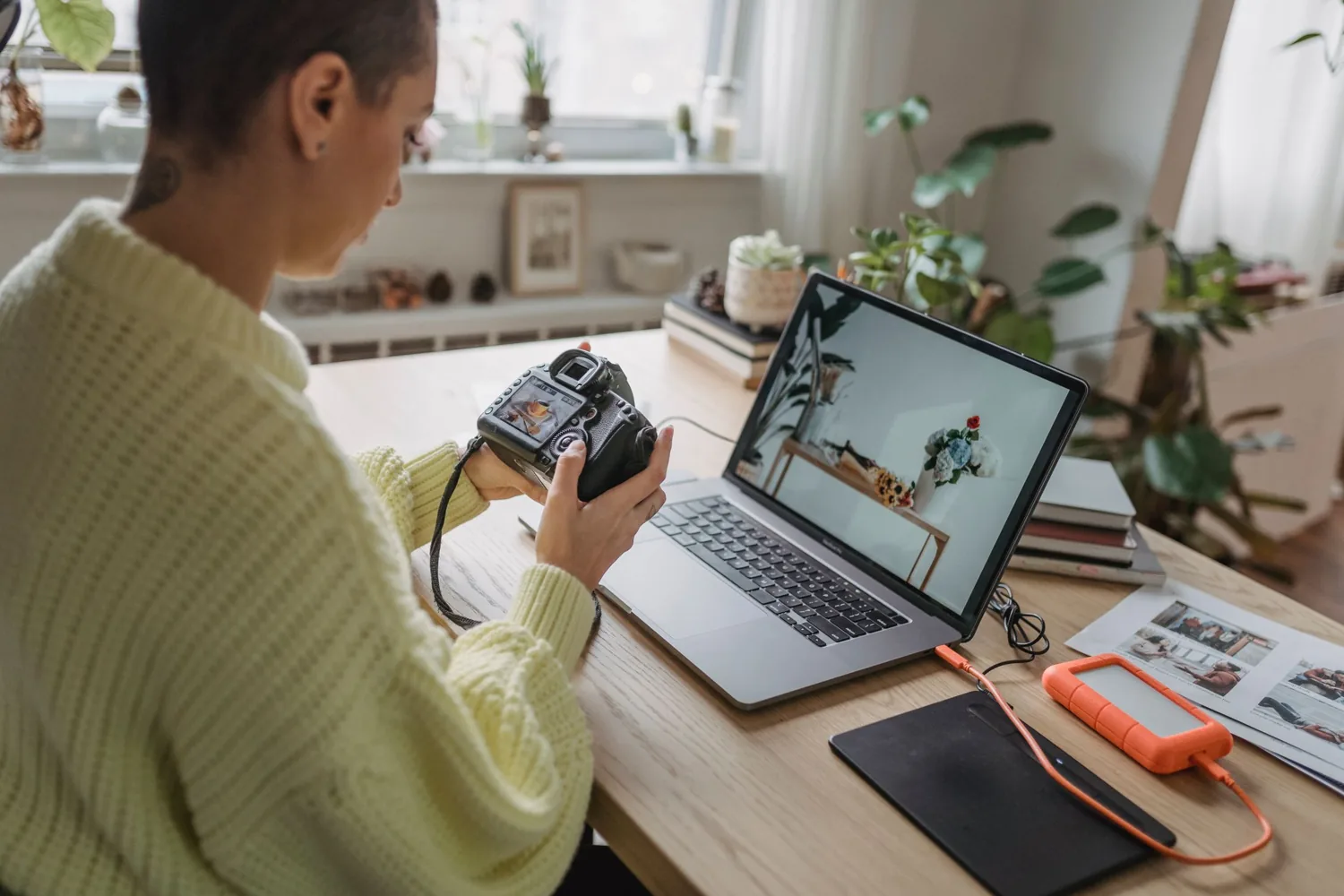 PUBLISHING & CALENDAR ↗
Publishing & Calendar
Bring drafts and scheduled posts into one workflow. Adapt an idea for each connected destination and see how your next week fits together.
Explore CONTENT STUDIO ↗
Content Studio
Develop a creative direction, explore campaign visuals and shape content for your next post. Start with a brief that sounds like your brand.
Explore COMMUNITY & EVENTS ↗
Community & Events
Bring members together, share updates and create events. Give each invitation a clear destination and keep the conversation going after the post.
Explore PERFORMANCE INSIGHTS ↗
Performance Insights
Use the performance information available for your connected accounts to review your content and decide what is worth trying next.
Explore LINK IN BIO & FORMS ↗
Link in Bio & Forms
Put your important destinations in one creator page. Help people find your latest offer, event or resource and use forms to understand what they need.
Explore DEXTER AI ASSISTANT ↗
Dexter AI Assistant
Use your AI allowance to work through ideas, refine a brief and find a clearer starting point. Keep your voice and judgment in the process.
Explore BRAND KIT ↗
Brand Kit
Use your Instagram profile and content as a starting point for your content pillars, colors, voice and visual direction. Review the result and make the choices yours.
ExploreWhat do you want to make happen?
INSTAGRAM AUTODM ↗Turn a useful post into a resource request.
Invite people to ask for a relevant guide, deliver its link and make the next step clear.
ExplorePUBLISHING & CALENDAR ↗Make one idea work across your week.
Build a small set of connected posts without starting from a blank page every morning.
ExploreCOMMUNITY & EVENTS ↗Make the invitation as clear as the event.
Connect your announcement, event details and member follow-up into one understandable journey.
ExploreLINK IN BIO & FORMS ↗Explain the offer before asking for the sale.
Show who your offer serves, what it includes and the next step—without hiding the practical details.
ExploreBig ideas.
Meet Pro.
More room to create, publish and keep the conversation going.
GO MAKESOMETHING.