Instagram · 9 min read
How many links should you put in your Instagram bio?
Choose the right number of Instagram bio links by prioritizing one current visitor action, grouping distinct paths and removing stale choices.

This guide is about how many destinations to show on your linked creator page, rather than Instagram’s changing native profile-link limit. Choose the smallest set that helps a visitor finish their likely task without hiding your main priority.
One campaign may need a single destination. An established creator may need five organized paths for followers, buyers and brands. This guide shows how to choose the number, order the page and recognize when another link creates more indecision than value.
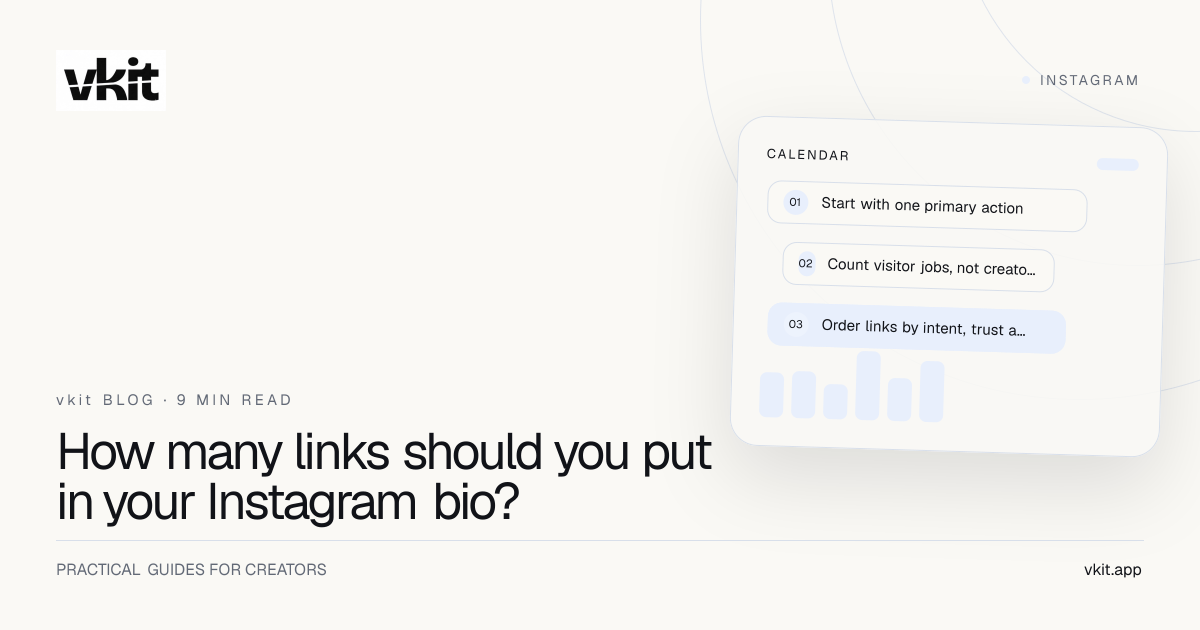
- 01Start with one primary action
- 02Count visitor jobs, not creator projects
- 03Order links by intent, trust and frequency
Start with one primary action
Write the most important visitor action for the current period: get the checklist, join the newsletter, view the product or apply. Put that action first and give it a specific label. The page can support other needs without pretending they are equally urgent.
Match the primary action to the profile and recent content. If the bio promises a free content calendar, the visitor should not have to pass a store, booking form and media kit to find it.
Change the priority when the campaign changes. A link page is an operating surface, not a permanent monument to every project the creator has completed.
One
Best for a focused launch, waitlist, single offer or profile built around one clear conversion.
Three to five
A practical range for many creators with one priority and a few distinct audience jobs.
More
Use only when links are grouped, clearly labeled and genuinely current; consider deeper navigation or a website.
Count visitor jobs, not creator projects
Group links by what the visitor wants to do: learn, buy, work together, attend or contact. Several products may belong under one shop path. Several articles may belong under one start-here collection.
Separate audience and business visitors when both matter. A brand inquiry should be easy to find, but it does not need to compete visually with the free resource promised to followers.
The creator templates guide shows how common business models group these paths without turning the first screen into a directory.
Every link should represent a distinct visitor job, not the creator’s fear that an old project will disappear.
Order links by intent, trust and frequency
Place the campaign action first, then durable high-value paths and support or policy information where needed. Put social icons and minor archives below the choices most visitors came to make.
Use labels that predict the destination. Get the pricing guide is stronger than resources. View creator plans is stronger than learn more. The visitor should not need to open several tabs to discover which button matches the post.
Add enough identity and proof to make the choice credible. A name, clear positioning line and relevant evidence can improve action more than adding another link.
First
The action matched to the current profile and content promise.
Next
Two to four durable paths serving distinct, frequent audience needs.
Below
Contact, policies, media kit and lower-frequency navigation that remains important.
Remove stale and competing choices
Audit every month and after launches. Remove expired events, sold-out offers without a useful fallback, obsolete affiliate links, duplicate destinations and pages that no longer match the creator’s work.
Combine links that serve the same job. If three buttons lead to similar newsletter pages, choose one canonical route. If a collection has real depth, create a grouped page instead of stacking every item on the front screen.
Use page analytics as evidence. Low clicks do not automatically mean delete; an important support or policy link may be low-frequency by nature. Evaluate each link against its job, not one universal click target.
Test the page as a first-time mobile visitor
Open the profile on a small phone, tap through and identify the main action within five seconds. Ask another person where they expect each label to go. Fix ambiguity before changing colors or animation.
Check page speed, form success, destination accuracy and the back path. Use tracked campaign links to separate profile, post and Auto DM sources. The analytics guide explains how to connect the page to downstream outcomes.
vkit Link in Bio & Forms helps creators keep a focused priority while the larger content and Auto DM system drives relevant visitors. Start with one useful action, add only distinct paths and let real behavior justify the rest.
Frequently asked questions
What is the ideal number of links in an Instagram bio page?
Many creators can serve visitors well with one primary action and two to four secondary paths. The correct number depends on distinct visitor jobs, not a universal maximum.
Is one Instagram bio link better than many?
One link is powerful for a focused campaign. Multiple organized paths are better when the creator serves several genuine visitor needs at the same time.
How often should I update my link in bio?
Review it monthly and immediately after a launch, price change, sold-out offer or destination update. Test every important link on mobile.
One priority. A few clear paths. No forgotten clutter.
Build the page in vkit, connect it to the campaign and let each link earn its place by helping a real visitor complete a real job. Review the order after every launch, remove expired destinations and keep the primary promise obvious on a small phone screen. The goal is confident movement, not maximum visible choice.
Put it into practice