


Guides · 7 min read
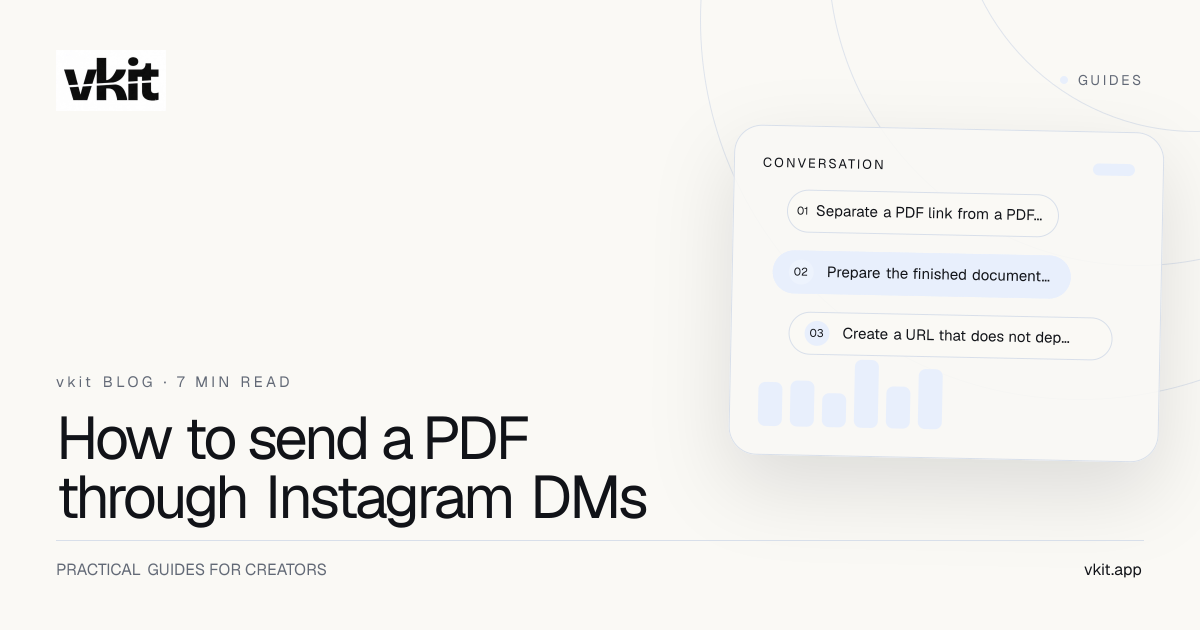
How to send a PDF through Instagram DMs
Deliver a PDF people can actually open. Compare file links and download pages, check access permissions, and build a tested comment-to-DM resource reply.

You have finished the guide and people are asking for it. But sending a file link is not the same as delivering a usable PDF: the link might request permission, open the editing workspace or show a version you replaced last week.
This guide focuses on the delivery job. You will choose where the PDF lives, prepare a recipient-safe URL, write the Instagram message and test access on a phone. For deciding what the free resource should contain, use the separate lead-magnet planning guide.
| Method | Useful when | Check before sending |
|---|---|---|
| Link to the PDF | The person only needs the finished file | The URL opens the intended file without your login |
| Link to a download page | You need instructions or a stable resource address | The download is obvious and matches the DM promise |
| Email signup before access | The campaign clearly offers a separate email exchange | The form explains delivery and any ongoing messages |
| Native PDF attachment | Your provider and message step support it | The actual Instagram trigger allows that content type |
Separate a PDF link from a PDF attachment
A PDF link sends a web address in the conversation. The reader opens a hosted file or resource page. An attachment sends the document through a supported message feature. Those experiences are different, and a tool supporting one does not prove it supports the other.
Manychat's content-block documentation, updated in October 2026, lists PDF files for Instagram and describes an in-chat preview. It would therefore be inaccurate to say that Instagram automation can never deliver a native PDF. Availability also depends on the particular message step; do not assume every format is allowed in an initial private reply.
This vkit guide uses the verified link-delivery route in the comment-to-DM setup guide. Prepare a destination URL rather than assuming the builder has a PDF attachment field. The useful outcome is the same: the person receives the document they requested, through an experience you have checked.
Prepare the finished document for someone else's phone
Export the reader's version of the file, then open that exported PDF yourself. Check the title, page order, working links and readable text. A document that looked good in a design editor can still contain tiny type or a button that was never given a destination.
Use a filename that makes sense outside your computer, such as desk-lighting-checklist.pdf. Avoid sending draft labels or client notes in a public resource. Review the document for private comments and personal information that do not belong in the finished guide.
Keep the file convenient to open on a normal mobile connection. Compress oversized images if they add weight without helping someone read the guide. There is no universal file-size target in this article: test your actual document on the devices and connection conditions you expect readers to use.
Tell the reader exactly what the link opens
Name the resource in the caption and repeat that name in the DM. Keep the delivery sentence short enough that the link is easy to spot. If the resource needs another step, disclose it; ‘get the guide’ should not unexpectedly become ‘apply for a sales call.’
Illustrative copy for a fictional lighting checklist: ‘Here's the desk-lighting PDF from the Reel: [resource URL]. It includes the setup diagram and equipment checklist. Open the page, then choose Download PDF.’ Use the last instruction only if that is what your actual page says.
Illustrative caption: ‘Comment LIGHTING and I'll DM the PDF with the setup from this video.’ Configure the same keyword and the intended post in vkit. Choose a straightforward campaign before adding optional steps that ask for more information or further actions.
If access requires an email address, disclose that and any ongoing messages before signup. A PDF request does not authorize an unrelated newsletter.
Test access as the person receiving the message
Use a suitable separate Instagram account with its owner's consent to check the campaign. Confirm the sending handle, message text and exact URL. A builder preview can help with copy, but it does not establish that the recipient can open the hosted file.
Tap the link from Instagram, then check the resource in the phone's regular browser as well. If the page needs authentication, test with the type of account a real reader would have. Avoid using the resource owner's signed-in session as the only proof that access works.
Download the file where allowed, inspect the saved copy and test an internal link. Record the results in the companion checklist for whoever updates it next.
Access
The recipient sees the intended resource rather than a permission request, editing dashboard or unrelated folder.
Content
The name, revision and promised pages match the caption. The document remains readable after downloading.
Recovery
Someone who cannot open the guide has a clear way to describe the problem without sharing a password or login code.
Keep older messages useful when the PDF changes
An old DM may be opened long after the post was published. Before deleting or replacing a file, check whether its current URL will keep working. If your host creates a new address for each upload, update the download page or campaign deliberately rather than assuming saved messages will change.
Keep a small resource record: public URL, file owner, current revision and campaigns using it. When the guide is withdrawn, put an explanation or replacement at a stable destination where possible. An unexplained missing file turns a useful post into a support task.
Measure delivery, resource-page visits and completed access as separate stages. A tracking link click does not prove that the PDF opened or was read. If the message arrives but the destination fails, the DM link troubleshooting guide helps isolate the next check.
vkit provides the configured Instagram reply; your chosen host serves the document. Keeping those responsibilities clear makes support simpler. Build one resource campaign, verify it from the recipient's side and review the current plan allowances before expanding it.
Frequently asked questions
Can I automatically send a PDF link after an Instagram comment?
Yes. In vkit's comment workflow, connect the intended keyword and post to a reply containing your PDF or download-page URL. The resource must be accessible to the recipient. Test both the Instagram delivery and the destination before sharing the campaign widely.
Does Instagram support native PDF attachments in automation?
Some providers do support them. Manychat's current content-block documentation lists PDF files for Instagram. That does not establish support for every trigger or tool. This vkit guide uses a hosted resource link rather than claiming a native attachment feature.
Why does my PDF link ask people to request access?
The hosted file may be restricted to specific accounts, or the link may point to an editing workspace. Review the intended sharing permissions and test outside the owner's session. Do not make private or paid material public just to remove an access prompt.
Do I need to collect an email address before sharing a PDF?
No. You can send a direct resource link if that matches your offer. If email signup is part of the exchange, explain the requirement and any ongoing messages clearly. A person requesting the PDF has not automatically requested a newsletter.
Will changing my PDF update the link in existing DMs?
That depends on how your file host handles replacements. A new upload may receive a different URL. A stable download page can help you change the file behind the page, but you should still test the old message and new document after every update.
Sources and verification
Product details and prices change. We checked these primary sources on the dates shown.
The job ends when the reader can open the file
Prepare one finished PDF, give it a tested destination and connect it to a clear Instagram request. Use the checklist before launch and whenever you change the resource.
Deliver your PDF link with Auto DM