Creator Growth · 6 min read
Instagram Auto DM for photographers: better enquiries
Send the right session guide when someone comments on your work. Plan a clear handoff from portfolio post to location, pricing and a useful booking enquiry.
A beautiful portfolio can attract plenty of questions without producing useful booking enquiries. “Price?” leaves you asking about the date, city, session type and intended use. By the time the details arrive, you may have repeated the same explanation five times.
This guide uses a fictional brand-photography campaign to make that first exchange clearer. The job of automation is to deliver the right information. Your destination page and human review do the qualifying, so prospective clients understand the offer before asking you to reserve a date.
| Post subject | Promised destination | Useful enquiry detail |
|---|---|---|
| Personal-brand portraits | Brand-session guide | Business, intended image use and location |
| Wedding collection | Wedding information page | Date, venue and coverage needs |
| Seasonal mini sessions | Current mini-session page | Published date and remaining booking options |
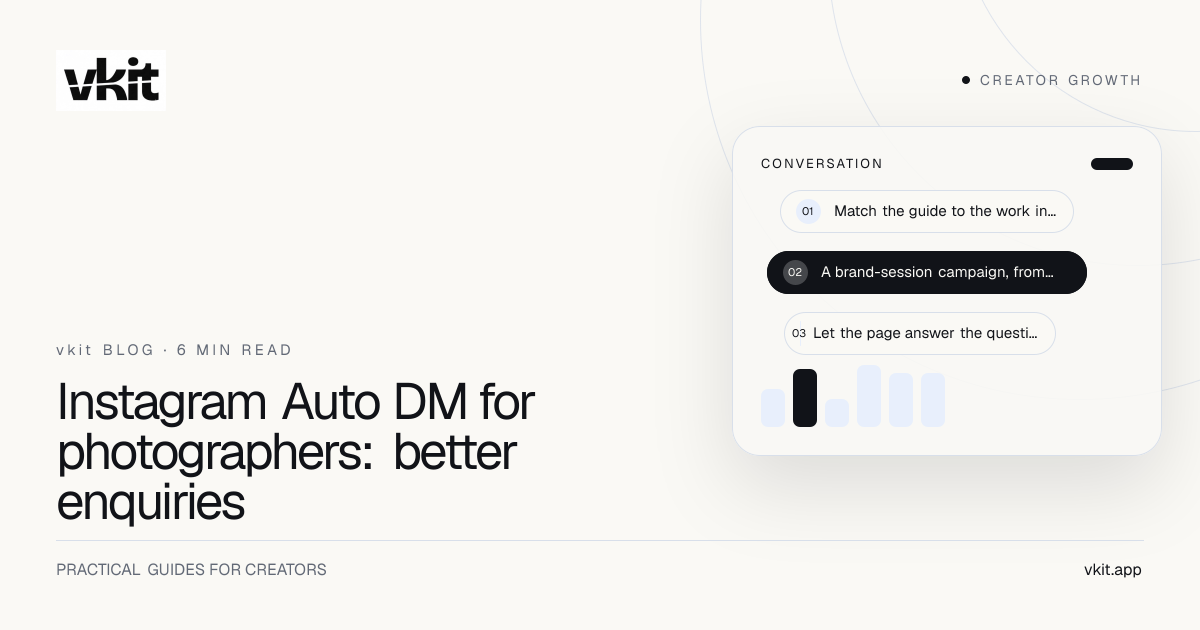
Match the guide to the work in the post
A wedding gallery and a founder portrait Reel should not lead to the same generic inbox response. They show different services with different decisions. Choose one offer for the post and build its destination before writing the keyword caption.
For a brand session, a client may need to understand preparation, image usage, deliverables and where the shoot happens. For a wedding, date and venue availability usually matter earlier. Do not make every reader navigate your entire portfolio to find the answer your caption promised.
If you work in multiple cities, state the service area prominently. A beautiful campaign can still be a poor fit for someone several hours away. Travel availability and any additional charges belong in the guide or your quote, not as a surprise after the enquiry.
A brand-session campaign, from caption to reply
Here is a fictional template for a photographer offering brand portraits in Montréal. Adapt the location, service and details to your actual business. The post is a behind-the-scenes Reel from a shoot you have permission to share; the keyword is BRAND.
Caption template: “Your next profile photo can feel like you. Here’s a look behind a brand portrait session in Montréal. Comment BRAND and I’ll DM the session guide: what’s included, how to prepare and how to enquire about a date.”
First reply template: “Thanks for checking out my work. Here’s the Montréal brand-session guide: {session_guide_url}. It covers the session options and enquiry form. Send your preferred date and location through the form, and I’ll confirm what is possible.”
This reply intentionally makes no promise about live availability. The guide can show current package information, but only your booking process should confirm a slot. Replace the placeholder URL and reread the message whenever the offer changes.
Let the page answer the questions you repeat
Start the session guide with who the service suits and where you work. Follow with a representative package, truthful pricing information and the deliverables a client can expect. If you show a starting price, explain what affects the final quote rather than implying every shoot costs that amount.
Keep the enquiry form proportional to the decision. Asking for a date, location, session type and a short description of intended use helps you respond. Requiring a full creative brief before the person knows the price can make a straightforward enquiry feel like an application.
You can use your existing website and booking tools as the destination. The workflow does not depend on moving contracts, invoicing or availability management into vkit. Linking to a page is a handoff, not evidence that two systems synchronize their records.
Show fit before asking for details
Explain the service area, style and typical deliverables near the top so the reader can decide whether to continue.
Ask for the minimum useful brief
Collect the information you need for a first response. Leave detailed shot lists and production planning for the appropriate booking stage.
Set a response expectation you can meet
Name the real timeframe for replying to enquiries. Avoid an instant-booking promise if a person still needs to check availability.
Separate cities and offers without building a maze
A post-specific rule keeps a keyword attached to the relevant creative. You might use BRAND on a brand-session post and WEDDING on a wedding post. Distinct destinations do more work than a complicated generic welcome message.
For two cities, choose either separate city pages or one page with an obvious location choice. Do not claim that Auto DM detects a commenter’s location or automatically routes them to a sales pipeline unless you have built and verified that additional system.
An old mini-session post needs special care. When the advertised date passes, update the destination to say the session is closed and show the current next step. Review or pause the rule too. Sending people to a dead checkout damages trust even if the message itself works perfectly.
Check the experience from a prospective client’s account
Use the vkit comment-to-DM setup to select the intended Instagram account, post and keyword. Paste the guide URL into the reply, review the rule and test the real path from another account.
vkit is a Meta Tech Provider and connects eligible Instagram accounts through official authorization. The provider explainer describes that relationship and the permissions you review. Your campaign still needs an accurate offer, a tested destination and someone ready to handle the enquiry.
The first private reply can deliver the guide link. Someone opening that website does not, by itself, authorize repeated automated follow-ups. Let a form submission or an actual conversation provide the next appropriate step rather than assuming every click permits more messages.
Photographer: check the offer
Confirm current location, package wording, portfolio permissions and whether the advertised session is still available to enquire about.
Campaign owner: check the route
Verify the selected post, keyword, received message and mobile destination. Remove test URLs and placeholder text before launch.
Booking owner: check the response
Submit a test enquiry, confirm someone receives it and ensure the reply does not accidentally promise an unconfirmed date.
Track useful enquiries, not just busy DMs
Define a useful enquiry in advance. For example: a requested service you offer, a location you serve and enough information to answer. That definition helps you distinguish a campaign that attracts clients from one that mainly attracts other photographers interested in your technique.
Record enquiries, quotes, confirmed bookings and reasons people decline. Add a campaign source field or tagged link where your existing tools support it. Do not assign an entire booking to Auto DM just because the client also viewed the Reel; ask how they found you when attribution is unclear.
vkit Pro includes unlimited contacts without per-contact fees. Your operational constraint may still be the time needed to answer qualified enquiries. Review the subscription cost guide, then keep the campaign at a size your booking process can handle.
Frequently asked questions
Can Instagram Auto DM book photography sessions automatically?
This workflow sends the session information or booking-page link after a relevant comment. Availability, contracts, payments and final booking confirmation remain with your actual booking process unless you separately build and verify an integration.
Should photographers send a price list or a booking form?
Usually send a short service guide that explains pricing and includes the next enquiry step. Someone should understand the package and service area before being asked for a detailed brief.
Can I use different replies for different photography services?
You can plan separate post-specific campaigns with their own keywords and destination pages. Keep brand sessions, weddings and time-limited offers distinct, and check your plan’s automation allowance before enabling multiple rules.
Does vkit increase my price when photography contacts grow?
Pro has unlimited contacts and no per-contact subscription charge. That pricing model is separate from Instagram’s technical limits, AI allowances and the human work involved in handling booking enquiries.
Sources and verification
Product details and prices change. We checked these primary sources on the dates shown.
Turn one portfolio post into a clear next step
Choose the service you most want to book, finish its session guide and connect one Instagram post to it. Test the enquiry all the way through before giving the campaign more attention.
Build your photography enquiry handoff