Instagram · 9 min read
Instagram Auto DM for events: registration to reminder
Send event details through Instagram Auto DM, route people to registration and keep attendee reminders in the registration system with this campaign guide.

An event campaign has details that cannot be approximate: date, time zone, location, price, capacity and joining instructions. Instagram Auto DM can move an interested commenter to the right registration page quickly, but it has to preserve those facts at every step.
Treat the automation as an event desk. It answers the first predictable request, records which campaign generated interest and points people to the official registration source. It should not become a second database with dates and policies that drift away from the event page.
| Moment | Message job | Owner check |
|---|---|---|
| Announcement | Send official details and registration | Dates and links |
| Registration | Confirm what happens next | Receipt and consent |
| Reminder | Share joining information | Time zone and access |
| After event | Send recap or replay | Availability and expiry |
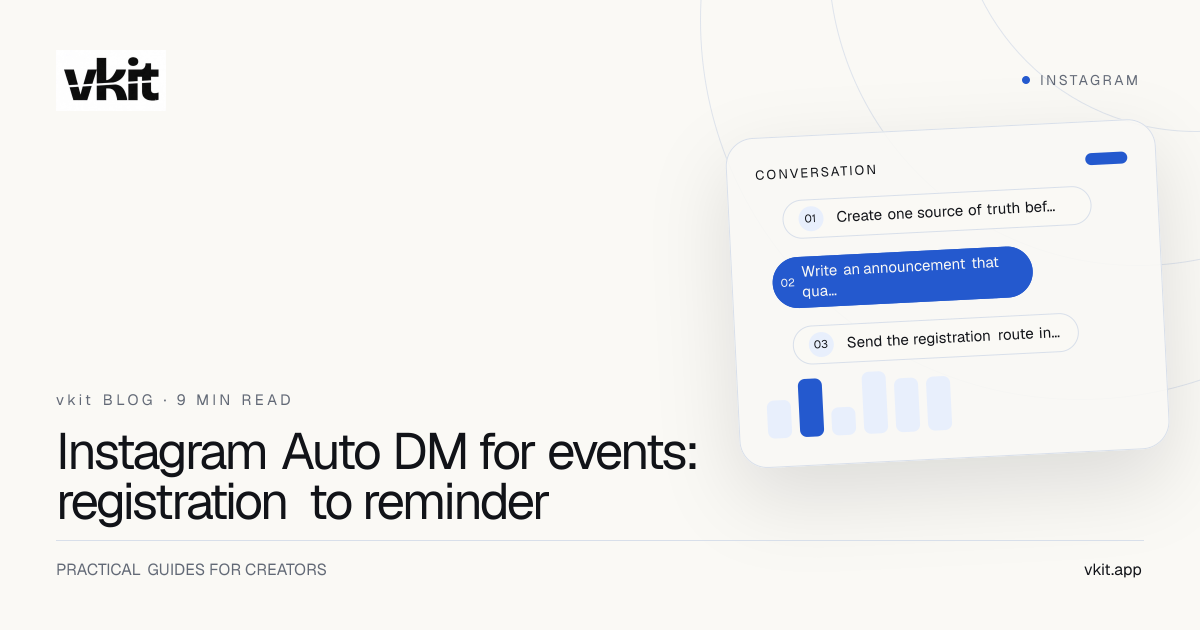
- 01Create one source of truth before the first post
- 02Write an announcement that qualifies the audience
- 03Send the registration route in the first DM
Create one source of truth before the first post
Publish the official event page before building the automation. It should carry the exact event name, date, start and end time, time zone, physical or virtual location, accessibility information, price, refund terms, capacity and organizer contact. Every post and DM should link back to that source.
Write dates in full and include the time zone rather than relying on the viewer’s location. For an online event, explain when and how the joining link is delivered. For an in-person event, include the address, arrival instructions and any age, ticket or identification requirements.
Assign one person to approve changes. If the date moves, update the registration page first, then the automation, scheduled posts and reminder messages. A campaign record with links and active dates reduces the risk that an older Reel continues sending yesterday’s information.
Official page
The final source for time, location, price and access.
Campaign owner
One person accountable for changes and the expired state.
Support route
A visible way to ask about access, payment or accommodation.
Write an announcement that qualifies the audience
The public post should explain the result, format and audience before the keyword. For an illustrative event, ‘Comment WORKSHOP for the free 45-minute portfolio review class on November 12 at 7 p.m. ET’ states a concrete promise. ‘Comment YES for a surprise’ leaves the person guessing what they will receive.
Show the host and substance. Use a clip from the lesson, an agenda slide, a participant question or a direct explanation of what the attendee will leave with. State the price or say free. A DM should add convenience, not reveal essential terms that the public post deliberately withheld.
Choose one keyword and test it from an unrelated account. Confirm the first message arrives, the registration link opens on a phone, the form can be completed and the confirmation appears. The Auto DM setup guide covers the trigger mechanics.
Send the registration route in the first DM
Name the event and include the official registration link immediately. Repeat the date and time zone in a compact line so a person can detect a mismatch before opening the form. Explain whether a place is confirmed only after registration and payment.
If there are multiple sessions, send the session-selection page in the first reply so the person can choose a date there. Keep the choice easy to answer and do not collect payment or sensitive information inside the Instagram conversation. Use the secure registration destination for attendee records and transaction details.
Tell the attendee what communication follows. If registering also subscribes them to marketing, present that as a separate choice. Essential confirmations and access messages should remain clear even when a person declines optional promotional email.
The DM creates the handoff. The registration system creates the attendee record.
Keep reminders tied to an active registration
A comment shows interest but does not prove registration. Do not send attendee-only reminders to every person who requested the link. Let the registration system confirm attendance and manage essential reminders through the channels and consent it supports.
Only send a further automated DM after a qualifying response opens the conversation window. Receiving the first private reply or opening its website link does not do that. The Instagram messaging rules explain the boundary. Repeated countdown messages can feel unrelated to the original request, especially when the person never completed registration.
Prepare a failure plan for joining links, capacity and cancellation. State where updates will appear, who can help and how refunds or rescheduling work. For a live incident, update the official page first and send one accurate message rather than several speculative ones.
Close the loop after the event
Decide before launch whether a replay, slides or recap will exist and who may receive it. If access expires, state the date. If the event was paid, keep paid materials separate from a public highlight designed to attract future attendees.
Use a follow-up post to answer a strong question from the session, thank participants and invite the next relevant step. A keyword can deliver the public recap while the official attendee system handles private materials. This lets the event create useful evergreen content without exposing restricted resources.
Measure registration-page visits, completed registrations, attendance and the support burden alongside comments and DMs. A campaign that produces many comments but wrong-time-zone questions needs clearer public copy. vkit connects planning, publishing and Instagram Auto DM so the correction can happen across the campaign. Start with the current vkit plan and one carefully scoped event.
Frequently asked questions
Can Instagram Auto DM register someone for an event?
It can deliver the official registration link after a person requests it. A person should be treated as registered only when the event or payment system confirms the required form and transaction.
What details belong in an event Auto DM?
Include the event name, full date, time zone, format, official registration link and what happens after registration. Keep price and material terms easy to find.
Can I send reminders to everyone who commented?
A comment is not the same as completed registration or broad marketing consent. Use the registration system for attendee reminders and keep any Auto DM follow-up relevant to the original request and platform rules.
Make the event easy to trust before it begins.
Use vkit to connect one accurate event post to one accurate registration handoff. When the details stay consistent, automation feels like service rather than noise.
Put it into practice